HP Omen overheating and FPS drops: the road from heat to graphics card failure
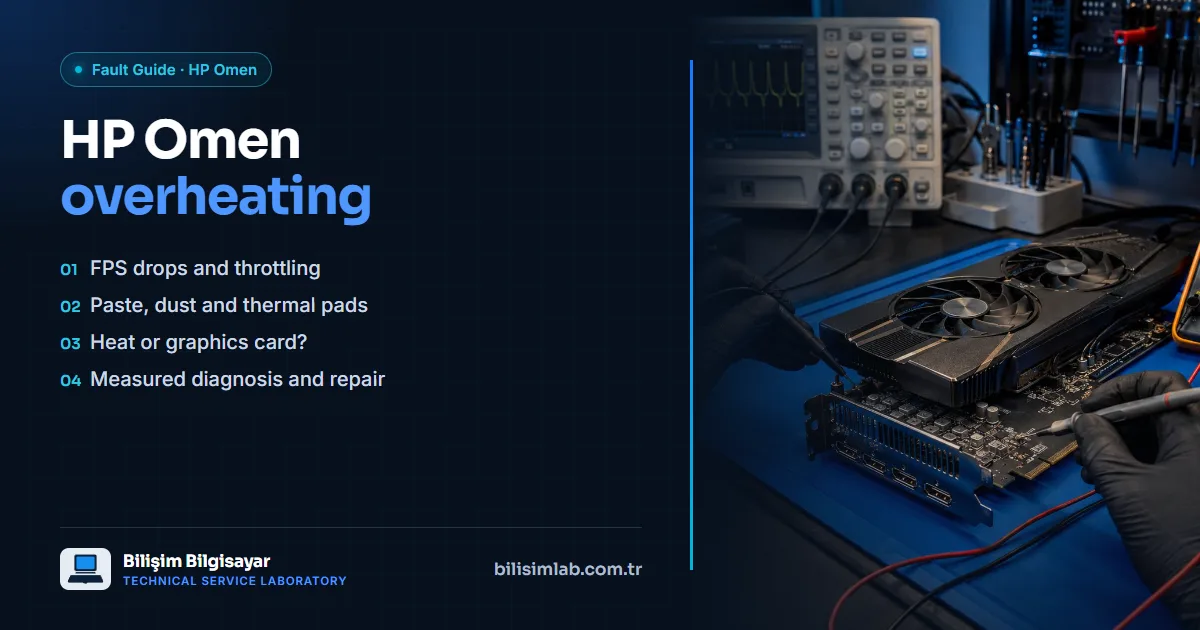
The HP Omen is a gaming laptop; getting warm under load is normal. The problem is when heat gets out of control. In HP’s support community, Omen 15 owners report temperatures above 95 °C on the CPU and 90 °C on the GPU while gaming, with the performance drop that comes with it. If this goes on for long, not just your FPS but the graphics card itself is at risk.
Symptoms
- FPS that is fine at the start of a game dropping noticeably after a while (thermal throttling)
- Fans running at high speed even on light tasks
- The area above the keyboard and the bottom case getting too hot to touch
- Shutting down on its own during games
- At a later stage, coloured dots, lines, blocks or loss of picture on screen
Causes of overheating
- Dried-out thermal paste: paste that runs constantly at high temperature dries out and stops transferring heat to the cooler. HP’s own support replies also recommend renewing the CPU and GPU paste first.
- Dust: dust building up between the fan and the cooling fins blocks the airflow.
- Worn thermal pads: when the pads cooling the graphics memory and power circuitry stop working, these parts overheat.
- Fan failure: a fan with a worn bearing gets noisy and slows down.
Try these first
- Use the laptop on a hard, flat surface; keep the air intakes underneath clear.
- Check the fan and performance mode in OMEN Gaming Hub and install updates.
- Check Task Manager for background apps using resources.
If these do not bring temperatures down, the problem is inside; internal cleaning and repasting require opening the case.
Overheating or a graphics card fault?
If you see coloured dots or lines on screen, try this simple test: connect an external monitor over HDMI.
- If the corruption appears on the external monitor too, the problem is most likely the graphics card or its surrounding circuitry.
- If the external monitor is clean, the problem is in the laptop’s own screen or display cable.
You can also run the system tests in HP PC Hardware Diagnostics (UEFI): tap Esc repeatedly at start-up, then F2. For a detailed list of symptoms, see how to tell if your graphics card is failing.
A permanent fix: measured repair, not just maintenance
At Bilişim Laboratuvarı we first check temperatures and the cooling system. If there is an overheating problem, the laptop is taken apart, the fan and fins are cleaned, CPU and GPU paste is renewed, thermal pads are replaced at the correct thickness, and the laptop is tested under load for a long period (see fan and cooling system maintenance).
If there is picture corruption or loss of picture, we use a thermal camera and measurements to determine whether the fault is in the GPU chip, the memory or the power circuitry. In many cases the problem is not the chip itself but the power circuitry around it, which is repaired at component level; see graphics card repair.
We hand every repair back with a guarantee; if the same fault returns within the warranty period, we assess your device free of charge.
For hinge and case problems on the HP Omen: HP Omen broken hinge. For the general causes of overheating: laptop overheating. For your device, submit a fault report; if you are outside Istanbul, you can send it to us by cargo.
Frequently asked questions
Why does my HP Omen get so hot?
The most common causes are dried-out thermal paste, dust in the fan and cooler, worn thermal pads and fan failure. Once these are dealt with, temperatures and gaming performance return to normal.
Why does my HP Omen drop FPS in games?
When the temperature limit is exceeded, the CPU and GPU slow down to protect themselves (thermal throttling). FPS that is fine at the start of a game and drops after a while is the typical sign.
Coloured dots are appearing on my HP Omen screen — what should I do?
Connect an external monitor. If the corruption appears there too, the graphics card or its circuitry is suspect; if not, the screen or display cable is. Stop using the laptop under heavy load and bring it in for inspection.
Does a graphics card fault mean replacing the motherboard?
Not always. In many cases the fault is in the power circuitry around the chip and is repaired at component level. What is needed is determined by measurement.
Do you have a similar problem with your device?
Report a FaultRelated posts
- HP Omen broken hinge: cracked case, separating lid — a permanent, guaranteed fix
- HP Victus not charging or turning on: the adapter or the charging circuit?
- HP Victus broken hinge: lid separating, case opening up — a permanent, guaranteed fix
- HP Victus hall sensor failure: screen goes black, laptop goes to sleep — a permanent, guaranteed fix