How to tell if a graphics card is faulty?
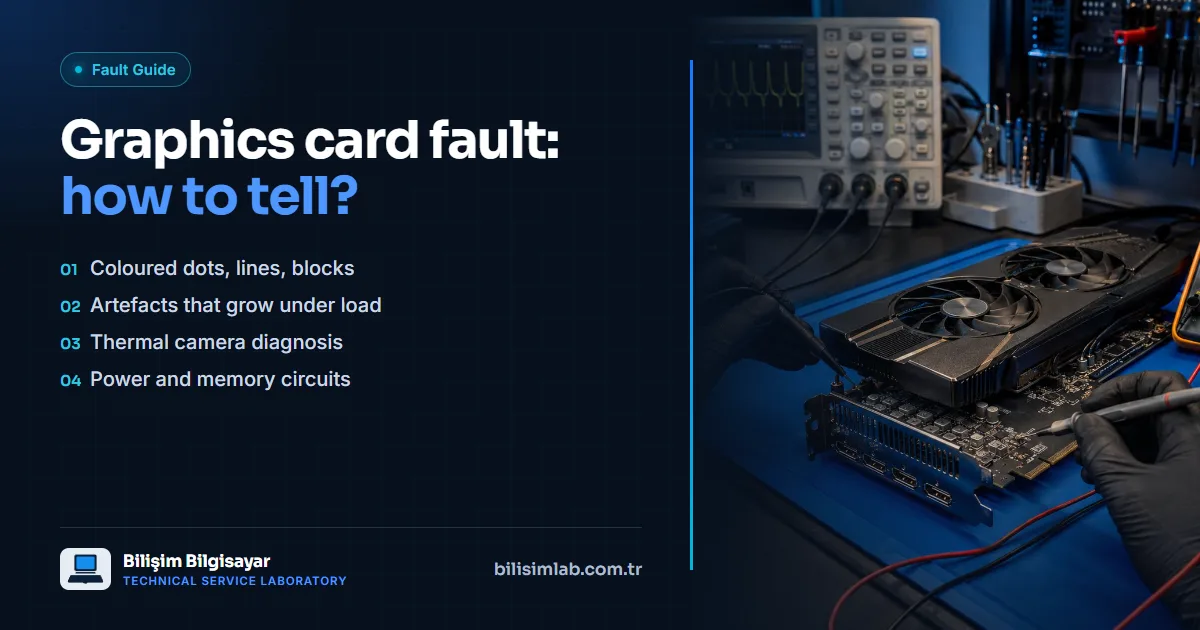
Graphics card faults usually show up as coloured dots, lines or blocks on screen (artifacts). With video memory (VRAM) faults, the corruption gets worse under load, i.e. in games or graphics work. Recognising the symptoms is the first step in telling whether the problem is the card or the screen, cable or software.
Typical symptoms
- Artifacts: Coloured dots, horizontal or vertical lines, square blocks on screen.
- Driver crashes: "Display driver stopped responding" warnings, the screen going black and coming back during games.
- Shutdowns under load: No problem on the desktop, but the computer turns off or restarts when a game starts.
- Overheating and fan noise: The card's fans constantly at high speed, temperatures climbing quickly.
- Loss of display: The device powers on and the fans spin, but there is no picture at all. See computer turns on but shows no display.
Telling it apart at home
- Try another screen and cable: If the corruption persists on another monitor and cable, the card is the likely cause.
- Look at the start-up screen: If the corruption also appears on the BIOS screen, it is hardware, not software.
- Clean-install the driver: Problems that only appear inside Windows can be driver-related; removing the driver and clean-installing the current version separates them.
- Watch the temperature: If the problem only starts when the card heats up, cooling (dust, thermal paste, thermal pads) must be considered too.
Diagnosis and repair at our lab
A thermal camera locates abnormally hot areas on the card, revealing problems in the power and memory circuits; measuring the power rails identifies a short circuit or faulty component. Repairs can be made at the level of the power circuit, the VRAM or the GPU core. See our GPU and graphics card repair and thermal camera fault analysis pages. If you are sending the card by courier, read our packing advice.
Frequently asked questions
Are artifacts always a graphics card fault?
No. A cable, monitor or driver can produce a similar picture. If the corruption also appears on a different screen and cable and on the BIOS screen, the card is the likely cause.
Can a faulty graphics card be repaired?
Many faults can: they are diagnosed by measurement and repaired at the level of the power circuit, VRAM or GPU core. Whether a card can be repaired is decided after inspection.
Does heat damage a graphics card?
Running at high temperatures for long periods wears the components on the card and can lead to failure later. Dust cleaning and renewing the thermal paste and pads reduce this risk.
Do you have a similar problem with your device?
Report a FaultRelated posts
- Are laptops’ “chronic problems” really chronic? Known faults model by model, and their permanent fixes
- MacBook Pro flexgate: stage-light effect at the bottom, screen going dark at an angle
- Lenovo Legion 5 won’t turn on or shows a black screen: SSD, charging port and motherboard
- ASUS TUF Gaming broken hinge and screen flicker: fixes for the F15, A15 and FX505