Shipping a graphics card (GPU) by courier: things to watch out for
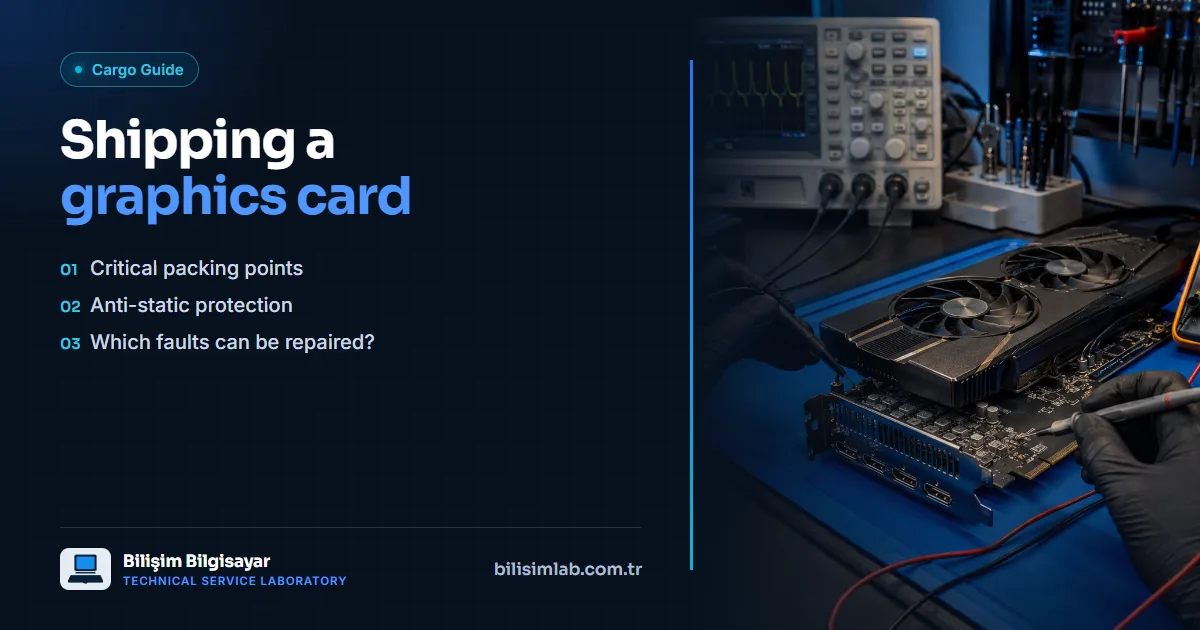
Graphics cards contain both heavy and delicate components; therefore, they should be packaged a little more carefully than a standard device when shipping by courier. Proper preparation prevents damage to the fan and connectors on the card.
Critical points in packaging
- Place it horizontally and securely: Secure the card in a horizontal position so that no pressure is applied to the fans.
- Anti-static bag: Always put the card in an anti-static bag; static electricity can damage sensitive components.
- PCI-e and bracket protection: Support the card's gold-colored connection edge (PCI-e) and metal bracket with foam.
- Leave no gaps: Fill all gaps inside the box to prevent the card from moving.
Which faults can be repaired?
In faults such as image distortion (artifacts), shutting down under load, the fan not spinning or no image at all, the card is inspected with measurements and a thermal camera. Repairs at the power circuit, VRAM and GPU core level can be performed, and reballing can be done when necessary. For details, see our graphics card (GPU) repair service.
If you are outside İstanbul, you can send your card by courier, and you can check our service regions page for information specific to your city.
Frequently asked questions
How is a graphics card packed for shipping?
Put the card in an anti-static bag, secure it horizontally so nothing presses on the fans, support the PCI-e connector and metal bracket with foam and fill every gap in the box.
Why should a graphics card be shipped in an anti-static bag?
Static electricity can damage the sensitive components on the card; an anti-static bag prevents this.
Which graphics card faults can be repaired?
For artifacts, shutdowns under load, fans not spinning or no display, the card is examined with measurements and a thermal camera; repairs can be made at the power circuit, VRAM or GPU core level, with reballing where needed.
Do you have a similar problem with your device?
Report a Fault