How do I safely ship my computer by courier? A step-by-step packing guide
12 July 2026
· 4 min read
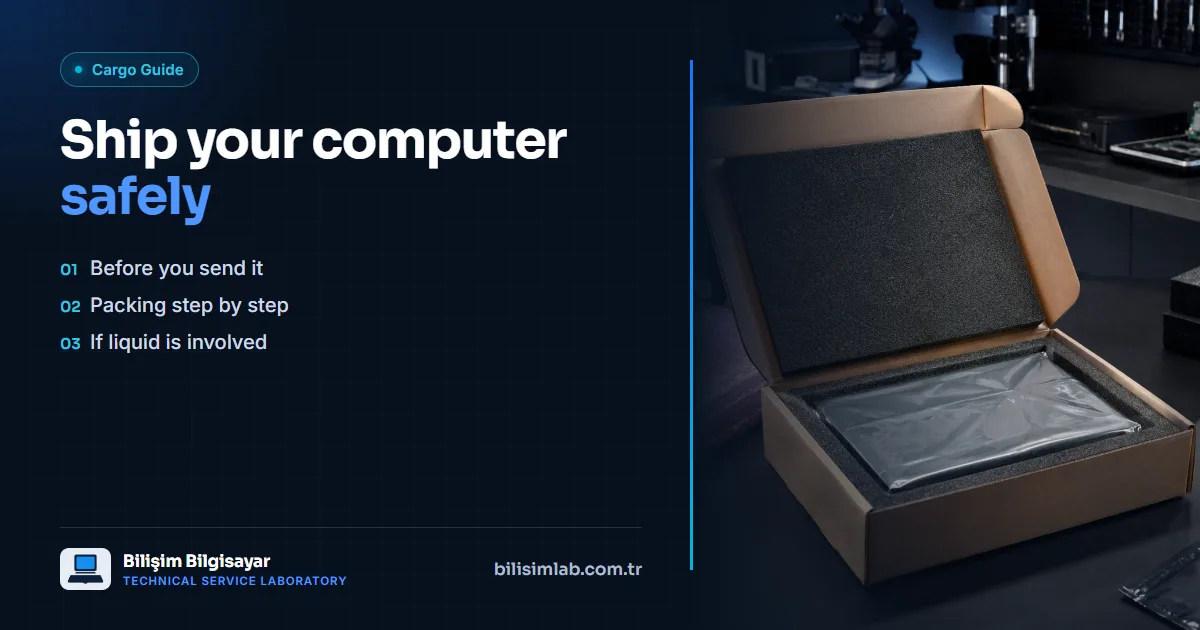
When shipping your device for repair by courier, the most common problem is transit damage caused by inadequate packing. With proper preparation, you can almost completely eliminate this risk. Below you will find the steps you should follow for safe shipping.
Before shipping
- Create a fault record: First fill out the report a fault form and get a tracking code. This way your device can be easily matched at the service.
- Take photos: Photograph the physical condition of the device before shipping (scratches, cracks, etc.).
- Send only what is needed: Unless required, do not send accessories such as the charger or bag; this reduces the shipping risk.
Packing steps
- Anti-static precaution: Place exposed cards (motherboard, graphics card) in an anti-static bag. If you don't have a bag, wrap the card in its original packaging without touching it with bare hands.
- Shock-absorbing layer: Wrap the device with at least 3–5 cm of bubble wrap or foam all around. For laptops, add a soft layer between the screen and the keyboard.
- Sturdy box: Use a durable double-walled box slightly larger than the device. Fill the gaps with foam or newspaper; the device should not move at all inside the box.
- Add a note: Place a paper inside the box with your name, phone number, tracking code, and a short description of the fault.
If it has come into contact with liquid
Never turn on or charge a device that has come into contact with liquid; send it turned off as soon as possible. Waiting advances corrosion and reduces the chance of recovery.
For the detailed process, duration, and pricing, you can review our device shipping by courier page.
Do you have a similar problem with your device?
Report a Fault