First steps to take with a liquid-damaged laptop
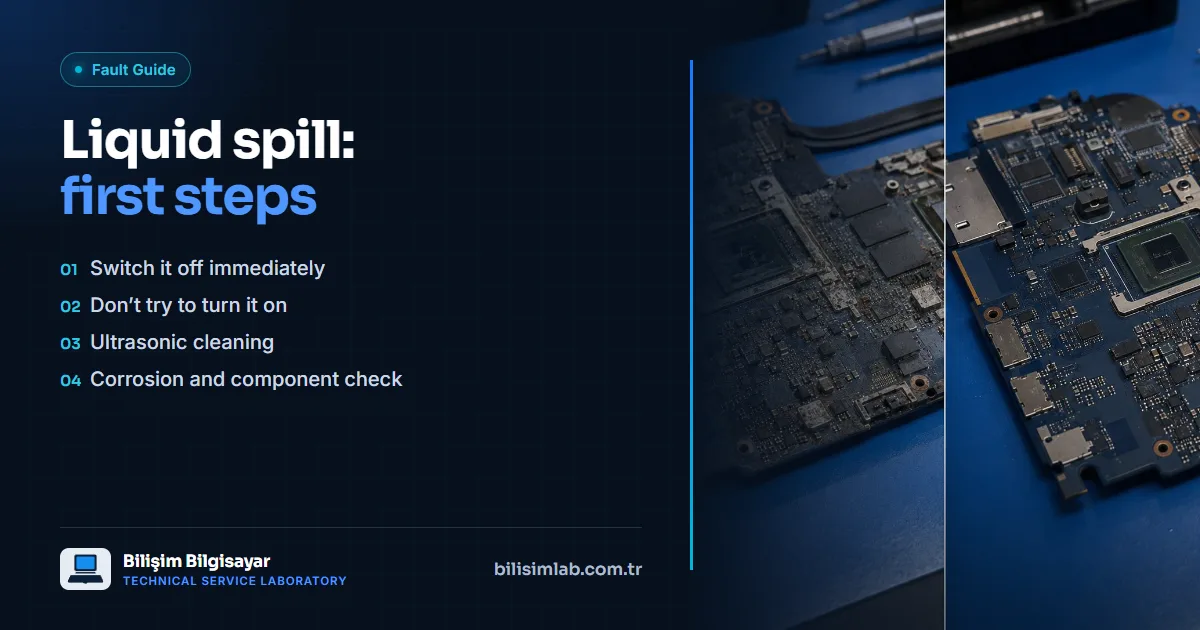
After a liquid spill the most important step is to switch the device off immediately and cut the power. Trying to turn it on can cause a short circuit and permanent damage. Because corrosion spreads over time, how quickly the device reaches a service directly affects the chance of saving it.
In the first minutes
- Switch it off: Hold the power button to turn the device off at once.
- Cut the power: Unplug the adapter; if the battery is removable, take it out too.
- Let the liquid drain: Dry the outside and stand the laptop open in an upside-down "V" with the keyboard facing down.
- Remove everything plugged in: Take out USB drives, cables and other connections.
What not to do
- Don't turn it on "to see if it's dry": Liquid left inside can short-circuit the moment power is applied.
- Don't use a hair dryer: Hot air pushes the liquid further in and can damage plastic parts and components.
- Don't bury it in rice: Rice doesn't remove the liquid and residue under the board; it only wastes time.
- Don't charge it: Even if it seems to work, plugging it in can make the damage worse.
Why you shouldn't wait
Tea, coffee and sugary drinks leave residue on the board; even water starts corrosion through its minerals. Corrosion can progress over days or even weeks; a laptop that works on the first day may later stop powering on. So even if the device works, having it checked after a spill is the safest course.
What happens at our lab
The device is disassembled, the board is ultrasonically cleaned, the corrosion is removed and damaged components are assessed by measurement. Faulty components are replaced under the microscope where needed, and parts such as the keyboard and display cable are checked separately. See liquid-damaged device repair. If the keyboard has started to misbehave, read our article on keyboard faults. If you are outside Istanbul, you can send the device by courier, switched off.
Frequently asked questions
Will a laptop dry out on its own after a spill?
Even if the outside dries, the residue and corrosion on the board don't go away by themselves. Even if the laptop seems to work, corrosion spreading inside can cause a failure later.
Does putting a laptop in rice help?
No. Rice doesn't clean the liquid and residue under the board; it only delays getting the device to a service.
Can a liquid-damaged device be saved?
The chances are good when it is brought in early. After the board is cleaned and the corrosion removed, damaged components are measured and repaired; the longer you wait, the further the damage spreads.
Do you have a similar problem with your device?
Report a FaultRelated posts
- Are laptops’ “chronic problems” really chronic? Known faults model by model, and their permanent fixes
- MacBook Pro flexgate: stage-light effect at the bottom, screen going dark at an angle
- Lenovo Legion 5 won’t turn on or shows a black screen: SSD, charging port and motherboard
- ASUS TUF Gaming broken hinge and screen flicker: fixes for the F15, A15 and FX505