How is a short circuit detected on a motherboard?
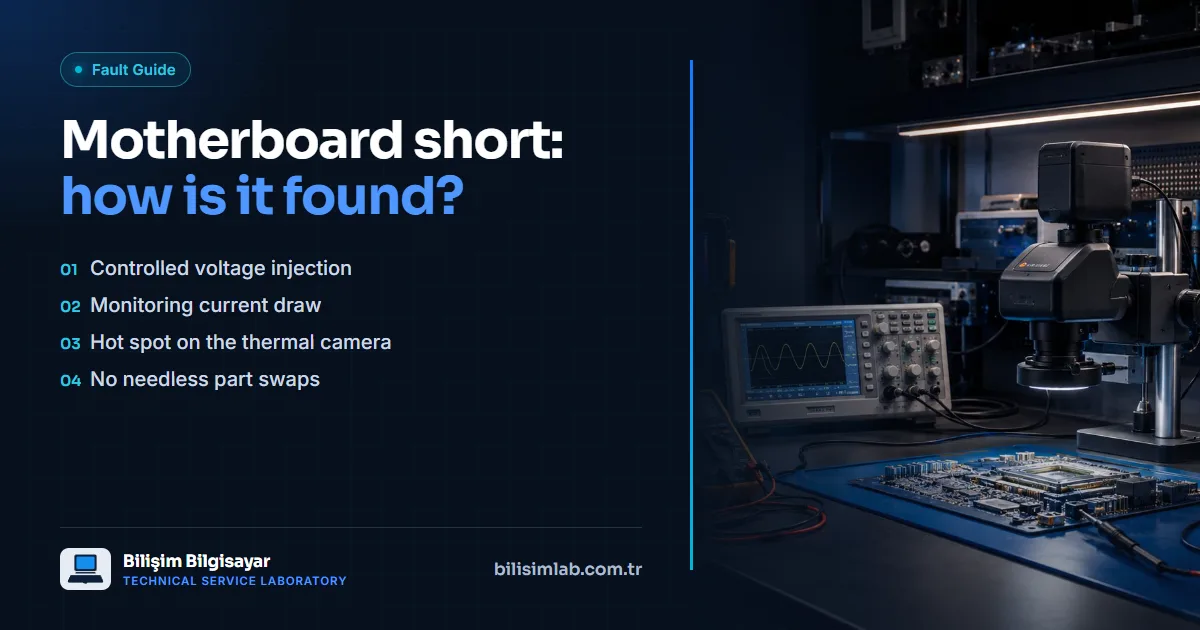
A short circuit is when a component on a power rail (usually a capacitor, MOSFET or IC) passes current straight to ground. As a result the device doesn't turn on at all, the adapter goes into protection, or one area of the board heats up abnormally. In short-circuit analysis, a controlled voltage is applied from a lab power supply, the current draw is watched, and the abnormally hot area is imaged with a thermal camera.
Signs of a short circuit
- The device doesn't respond at all; no power light, no fan.
- The adapter's light goes out or blinks when it is plugged in.
- An area of the board gets warm with the adapter connected, even with the device off.
- The device won't turn on after a liquid spill or a knock.
Step-by-step detection
- Rail measurement: The resistance of the power rails to ground is measured with a multimeter; a value far below normal indicates a short.
- Controlled power: A safe, current-limited voltage is applied from a lab power supply; the shorted rail draws current.
- Thermal imaging: The component drawing the current heats up, and the thermal camera shows the spot quickly.
- Confirmation and replacement: The suspect component is removed under the microscope, the rail is measured again, and if the short is gone a new component is fitted.
- Root cause: Why the component failed (liquid, overvoltage, incompatible adapter) is also assessed, and the necessary fix is made so the fault doesn't recur.
Why this method?
This method finds the faulty component directly, without unnecessary part replacements. Replacing a motherboard on a guess is expensive, and parts are hard to find for some models — yet most short circuits come from a single component. See our short circuit detection and thermal camera fault analysis pages, and if your device won't power on at all, our article on a laptop that won't power on.
Frequently asked questions
Can a motherboard with a short circuit be repaired?
Usually yes. The shorted component is found by measurement and thermal imaging and replaced under the microscope; the whole motherboard doesn't need replacing.
Does plugging an adapter into a shorted device cause damage?
Applying power again and again can heat the shorted area further and damage nearby components. If the device doesn't respond, it is best to stop trying.
What causes a short circuit on a motherboard?
The most common causes are liquid damage, an incompatible or faulty adapter, overvoltage and ageing components.
Do you have a similar problem with your device?
Report a FaultRelated posts
- Are laptops’ “chronic problems” really chronic? Known faults model by model, and their permanent fixes
- MacBook Pro flexgate: stage-light effect at the bottom, screen going dark at an angle
- Lenovo Legion 5 won’t turn on or shows a black screen: SSD, charging port and motherboard
- ASUS TUF Gaming broken hinge and screen flicker: fixes for the F15, A15 and FX505