Laptop won't charge: Possible causes
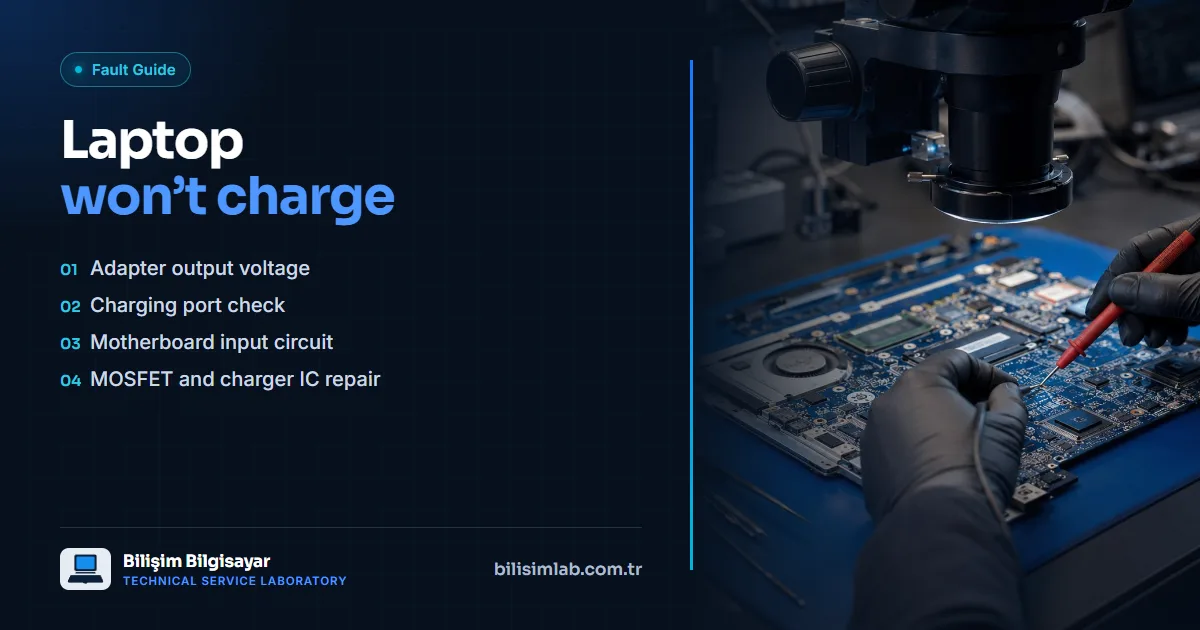
When a laptop won't charge, the cause can be the adapter, the charging port, the charging input circuit on the motherboard or the battery. Checks are done in order: first the adapter's output voltage is measured, then the charging port and the input (charging) circuit on the motherboard are inspected.
Checks you can do at home
- Adapter light and cable: Is the adapter's light on, is the cable broken or crushed? If possible, try an original adapter of the same rating.
- Adapter rating: Compare the power rating on the label under the laptop with the adapter's; a lower-rated adapter may not charge the battery while the laptop is on.
- Port contact: If charging cuts in and out with the plug inserted, the port or its connection may be loose. Don't force the plug at different angles — a short circuit can carry the fault to the motherboard.
- Power reset: Turn the laptop off, unplug the adapter, hold the power button for 30 seconds, then plug the adapter back in and try again.
Possible causes inside the device
- Charging port and cable: Forcing the plug gradually loosens the port or cracks its solder joints.
- Charging input circuit: When the input protection, MOSFETs or charge controller IC fail, the laptop doesn't charge and sometimes doesn't turn on at all.
- Battery: A worn battery, or one that has gone into protection, won't take a charge; if the laptop only runs on the adapter, the battery is checked.
How we repair it
We measure the adapter output, the port, the battery and the input circuit on the motherboard one by one to find the fault. Faulty MOSFETs or charge controller ICs in the input circuit can be repaired at component level, without replacing the motherboard. See charging circuit repair. If the laptop doesn't respond at all, our article on a laptop that won't power on may also help. HP Victus users have a dedicated guide: HP Victus not charging.
Frequently asked questions
Is it safe to charge with a different adapter?
An adapter with the same voltage and connector and an equal or higher power rating usually causes no problem. Repeated attempts with low-rated or incompatible adapters can make an existing fault worse.
The charging light is on but the battery doesn't fill — what could it be?
The adapter is supplying power, but the charging circuit or the battery may not be passing it to the battery. Measuring battery health and the charging circuit shows which one it is.
Does it need a new charging port or a motherboard repair?
If the port is loose, it is replaced and firmly secured. If the fault is in the input circuit, the faulty component is repaired on the motherboard. Measurement decides which.
Do you have a similar problem with your device?
Report a Fault